Our colors approach follows Caesarstone brand balance in a quest to reflect the mood of
the relationship of Authority and Expression.

AUTHORITY

Is the Caesarstone strong body. The sensorial approach   of stones. A grey pallet that is cold, solid, and trustful.

EXPRESSION

The Terracota is the spicy color, the Caesarstone’s HOT soul. The sensorial approach of life, earth, emotion and energy.

Chromatic code

To maintain the cohesion and uniformity of the brand in our visual expressions, it is important to respect the chosen color palette and, mainly, its color codes, in accordance with the technical characteristics of the different media in which the elements will be applied.

Mineral Black
Copy HEX Code

HEX #1A1B17
R 26 G 27 B 23
C 71 M 64 Y 69 K 79
PANTONE 419C
PANTONE 419U

Mineral Grey
Copy HEX Code

HEX #444541
R 68 G 69 B 65
C 66 M 58 Y 62 K 45
PANTONE 416C
PANTONE 418U

Soft white
Copy HEX Code

HEX #F5F2F0
R 245 G 242 B 240
C 3 M 3 Y 4 K 0
PANTONE WARM GRAY 1C
PANTONE WARM GRAY 1U

Terra Cota
Copy HEX Code

HEX #DC4405
R 220 G 68 B 5
C 0 M 80 Y 100 K0
PANTONE 1655C
PANTONE 165U

Corporate colors

The color hierarchy should always have more  mineral black and soft white to maintain the  consistency on the corporate communication.

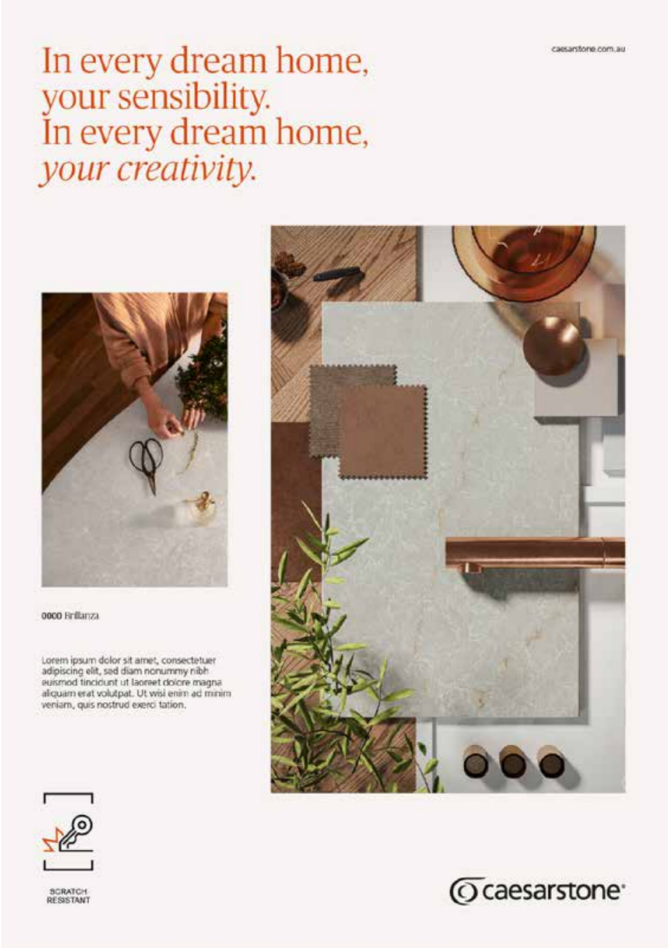
The Terracota color can be used as a detail on  the layout or to highlight certain words or  visual elements as shown on the example.

IMPORTANT

The Terracota color should never be used as background or too overused in communication.

Terracota on branding

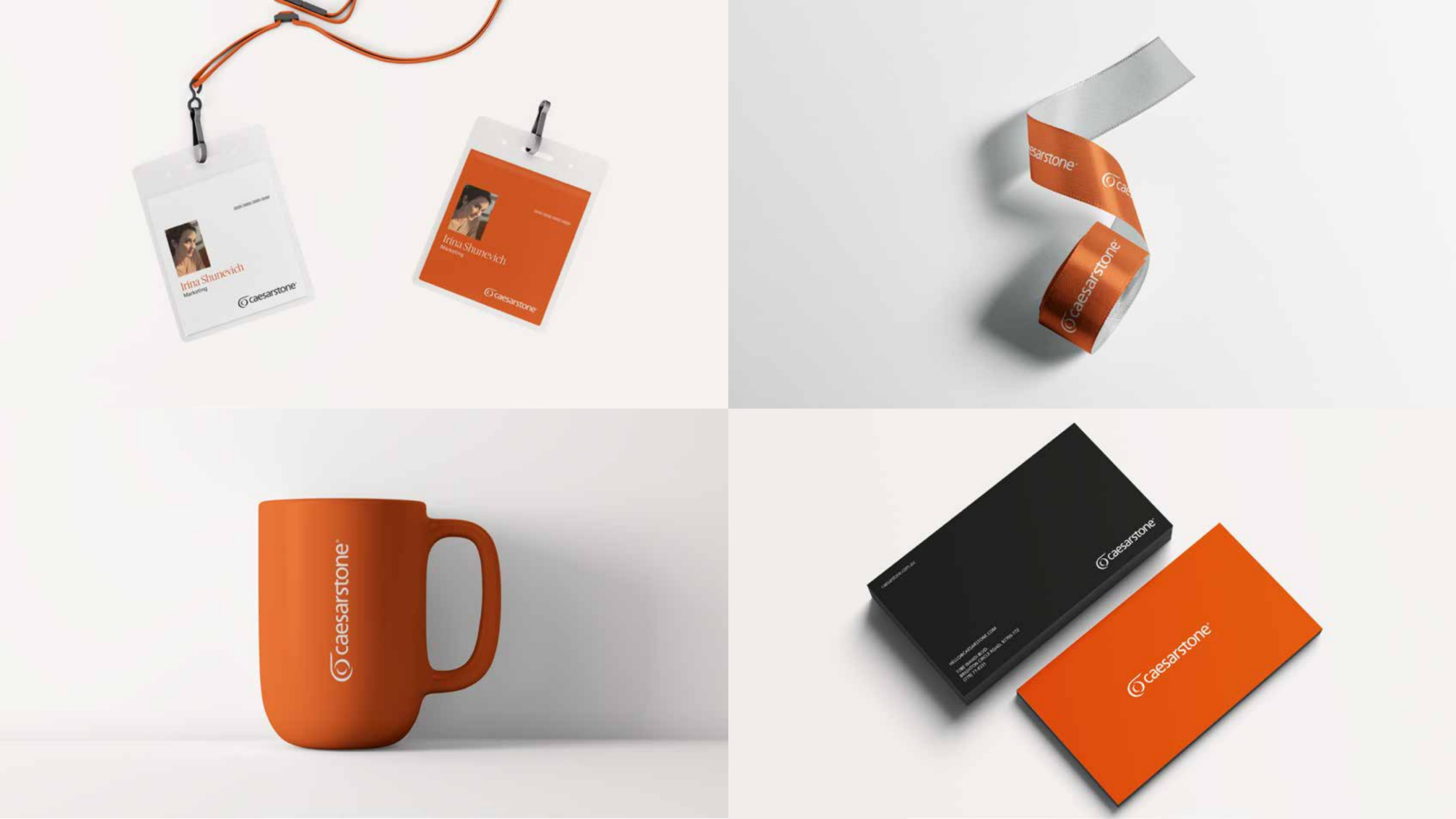
Terracota color can only be used as background in corporate materials and merchandising like shown on the example.

Avoid using Terracota as a main color in most cases since it’s a very vibrant color and can compromise the cleanliness and neutrality of the layouts.

Photographic Color System

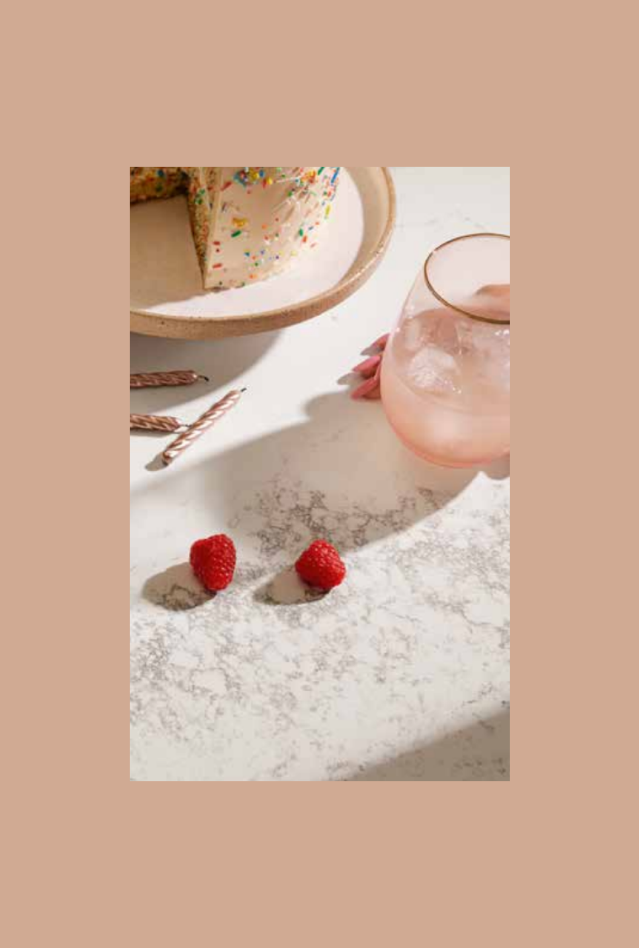
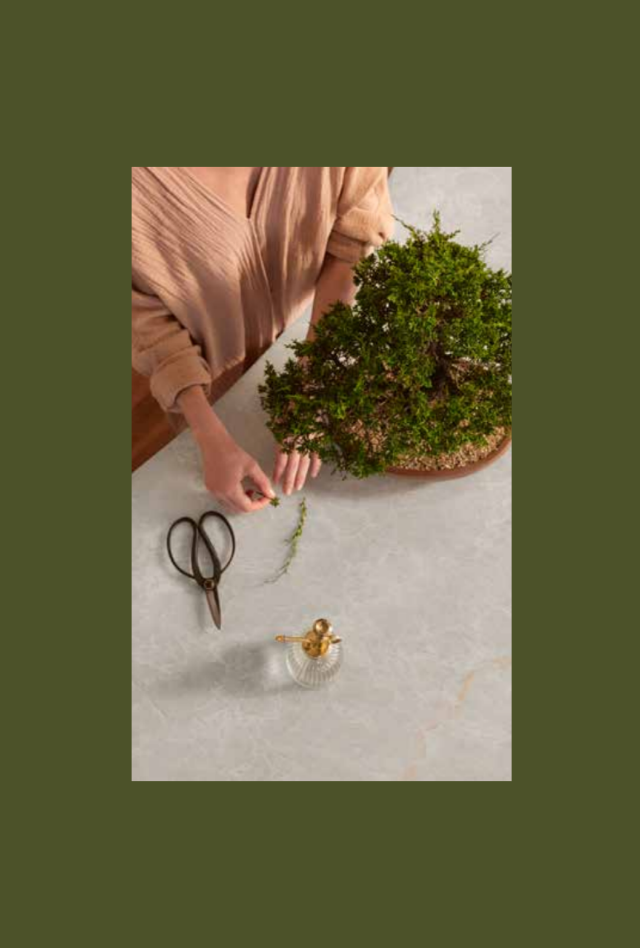
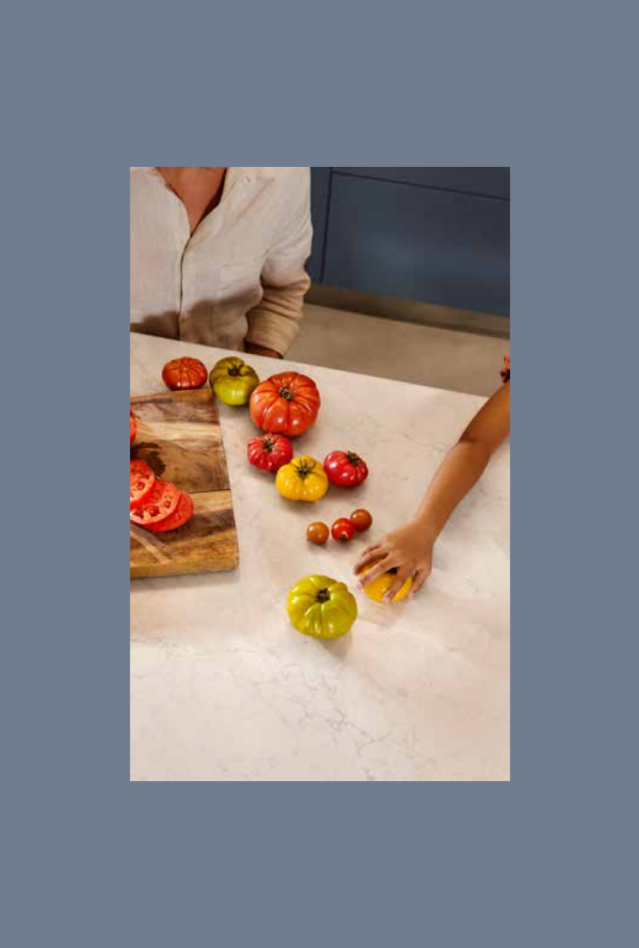
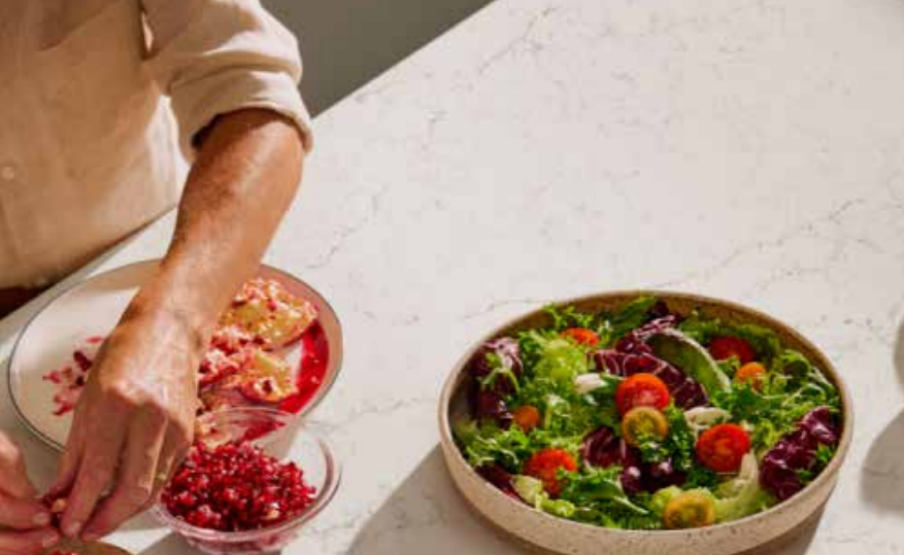
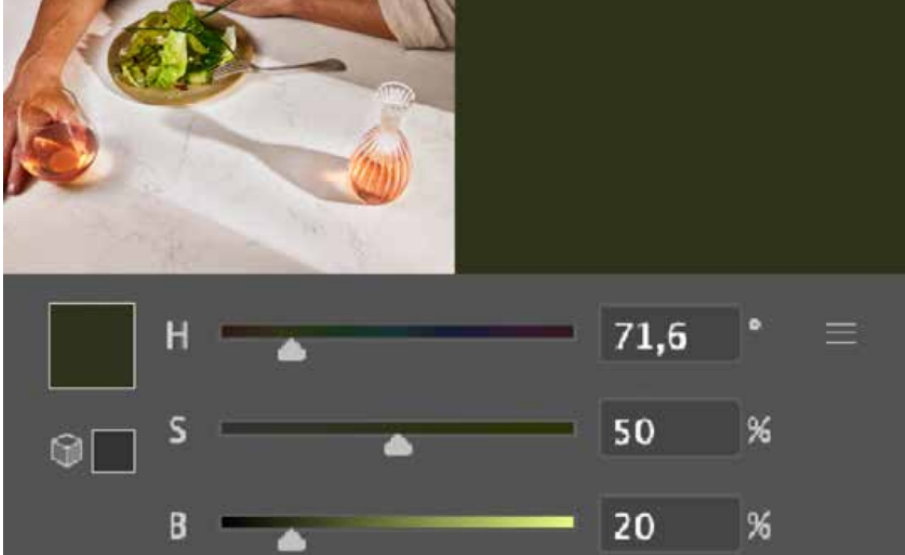
The photographic color system is a way of having more color added to the palette according to the pictures on the layout. Picking a color from the photo is also a way to make the product stand out, but without the photos, those colors should not be used.

This resource is a great way to have more flexibility with the picture matching a full color layout.

Color picking and adjustments

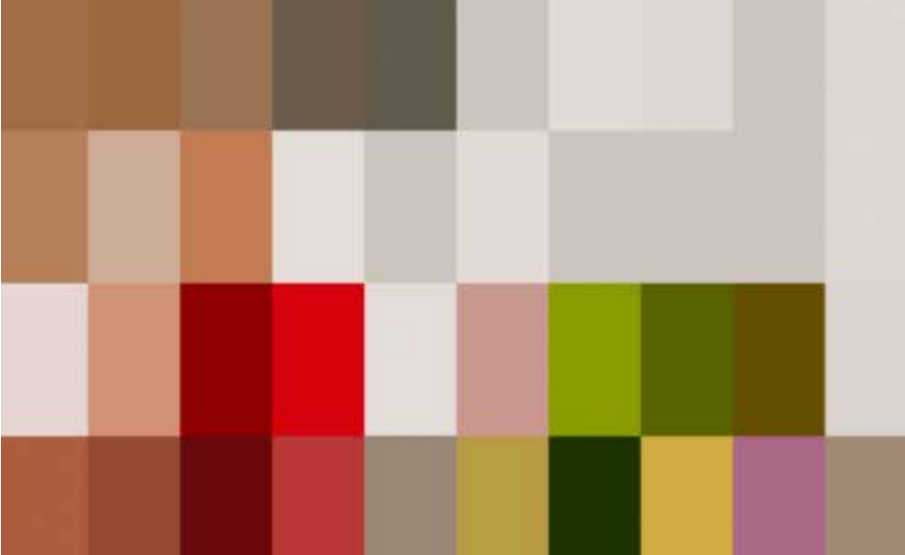
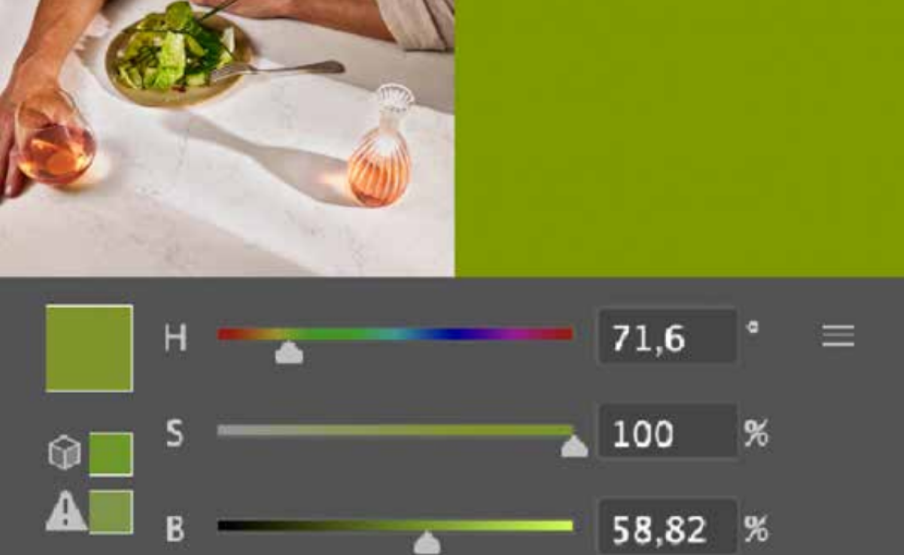
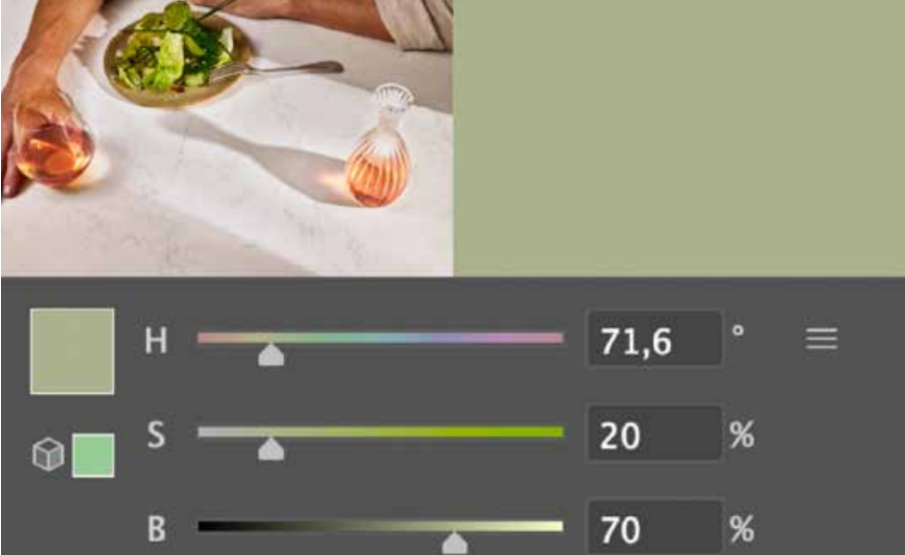
  • Always select the most intense color on the photography and desaturate it adjusting the saturation and brightness.

  • The proper adjustments depends on the saturation required to make the color looks more elegant.

  • Saturation could go from 10 to 50% and brightness from 10 to 90%.

2. Decompose in colors
3. Pick a color according to the layout
4. Adjust saturation and brightness
5. Pick a lighter tone or...
5.1 Pick a darker tone